
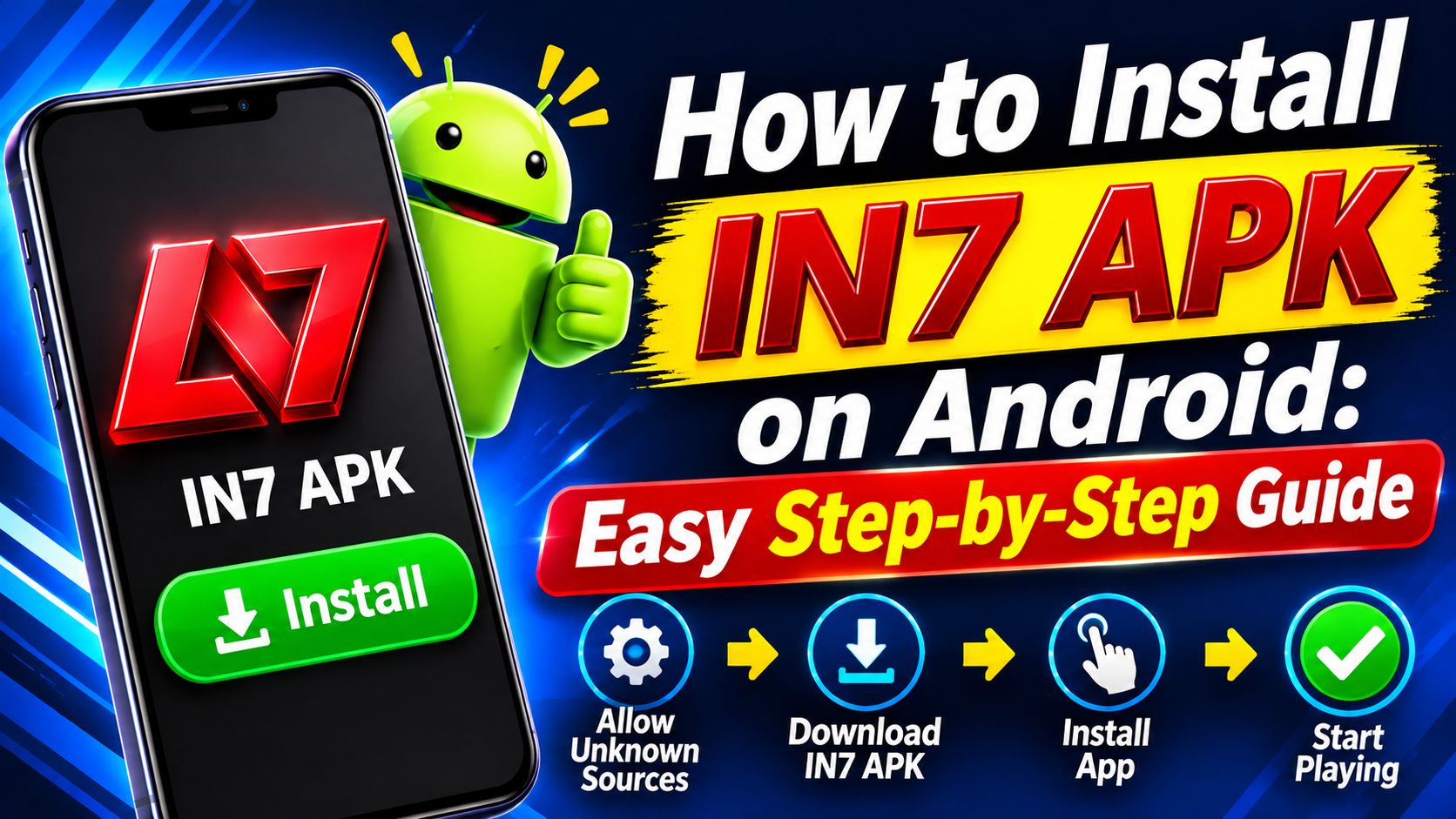
How to Install IN7 APK on Android easily. The manual is about setting up phones safely, downloading files securely, and fixing problems quickly for a hassle-free experience.
How to Install IN7 APK is an issue faced by many people who play games on their phones. The instructions are easy to understand by this book. Each step to be read before starting up a project.
What the IN7 APK File Is and Where to Get It
APK is a type of application package that can be downloaded to an Android device. Many games have file-sharing methods like that. The IN7 APK download provides an installation package.
Download this app from their website: https://in7apks. For phone setup, use only this link. Don’t trust links from random chats or ads. It helps to protect your phone.
Phone Checks to Make Before You Install a Game App
Space and power are needed for games. Some quick checks will be done to save time later on.
Preparation helps you download and install IN7 APK more easily. Verify your mobile device with this list. It is an introduction to installing IN7 APK. Two minutes to do this.
- Storage space for this application and its game files.
- Steady Wi-Fi or Mobile Data Connection.
- Charge battery above 30%.
- Browser software and a file management program.
How to Install IN7 APK: 7 Easy Steps for Android
In this way follow them. Players usually finish within a few minutes.
- Click on the link to download IN7 APK from this website.
- Wait for it to finish downloading completely.
- Open Settings and go to the Security or Apps section.
- Installation from a web browser or file manager is allowed.
- Downloaded files are available in this directory.
- Tap Install, then wait until it finishes.
- Open Tap and verify if it is working properly.
This article shows you how to install IN7 APK on most Android phones. The screens are different for each brand. Read each question carefully while keeping its sequence intact.
Safe Ways to Download IN7 APK for Gaming
Fake game files are common on the internet. Make this a habit every time.
Bad files may damage a phone and its information. Before you learn how to install IN7 APK, get the file from an authorized source only. Check every link before you tap it.
- Before tapping on a website, check its URL.
- File Name to Page Title Match.
- Scans files using an antivirus program.
- Avoid skipping files from chat groups, adverts, or pop-ups.
Habits are easy to develop. Also, they are easy to install the IN7 APK. Use them each time you set up the application once more.
Common Install Errors and Quick Fixes
Most errors have simple causes. The table shows quick fixes.
| Problem | Easy Fix |
| App not installed | Free up storage and try again |
| Parse error | Get a fresh IN7 APK Download |
| Install blocked | Allow unknown app installs |
| Download stops | Switch to a steady Wi-Fi link |
Try one fix at a time. IN7Apks suggests you restart the phone after each change. This can clear small issues and give the install a fresh start.
What to Check After Your First Game Launch
The install is only half the task. A short check helps you spot problems early.
Open the app once and watch how it runs. Slow menus or sudden exits are signs of a problem. Fix them before you start playing.
- The app opens without closing on its own
- Permission requests make sense for a game app
- Your phone stays cool and runs at a normal speed
Next Steps: Account Setup and Online Gameplay
Your game is ready. Now set up your account and play with care.
Start with the IN7 APK Latest Version note on the page. Newer files can fix small bugs. Keep your IN7 App Download file safe for a later reinstall.
Next, create your account. The IN7 Game Registration step asks for basic details. After that, use IN7 Game Login to enter. Then try IN7 Game Play Online with a good connection.
You can download IN7 Game again from the same page when needed. Use the same trusted source each time. Repeat How to Install IN7 APK from step one.
Final Thoughts
Installing a game app takes only a few careful steps. Use the official page, allow the right settings, and read each prompt. A slow, calm approach avoids most errors.
Safe habits matter as much as the steps. Keep your file source clean, check the Latest Version note, and scan every new Download IN7 APK file before you open it.
IN7Apks hopes this guide keeps your setup clear and safe. Use How to Install IN7 APK as a checklist whenever you set up the app again. Play with care and enjoy the game.
Need more help to start the app? Read our guides on IN7 Game APK Download, IN7 Game Update, IN7 Game Download, IN7 Game App Download, and IN7 App Latest Version for simple steps.
Frequently Asked Questions
1. Is it safe to install the IN7 APK file on my phone?
Safety depends on where you get the file. Use the official page linked in this guide, check the web address, and scan the file with a trusted security app before you start the How to Install IN7 APK.
2. How do I install IN7 APK if my phone blocks it?
Android blocks unknown sources by default. Open Settings, allow installs from your browser or file manager, then go back to the file. This small change is the key step in How to Install IN7 APK.
3. Where should I get the IN7 APK Download file?
Always use the official page shared in this guide. An IN7 APK Download from other sites may be changed or broken. If the file name or size looks odd, skip it and get the file again from the page.
4. What should I do if I see a parse error?
A parse error often means the file is broken or does not fit your Android version. Get the file again from a steady link, then follow How to Install IN7 APK from the first step once more.
5. Can I Download IN7 APK on an iPhone?
No. APK files work on Android phones only, so an iPhone cannot run them. Use an Android phone, then follow How to Install IN7 APK from this guide. Never pay anyone for a download link.
Disclaimer: This guide gives general help only and does not promise any result. IN7Apks does not control app updates. Check the official page for current details, and play with care.
People often search for IN7 Game, IN7 Game Real Images, IN7 APK, IN7 Game Official Website, IN7 Game Online, and IN7 Game Play Online.
Others look for IN7 Game Download, IN7 Download, IN7 Game Latest Version, IN7 Game Install, and Download IN7 Game. Some also search for the IN7 Game App.
Related searches also include IN7 App Download, IN7 App Download APK, IN7 Game App Download, and Download IN7 App. Many users also check the IN7 Game APK and IN7 Game Download APK pages.
You may also see IN7 APK Download, IN7 APK Latest Version, Download IN7 APK, and IN7 Game APK Download. After setup, many people use IN7 Game Login and complete IN7 Game Registration.