
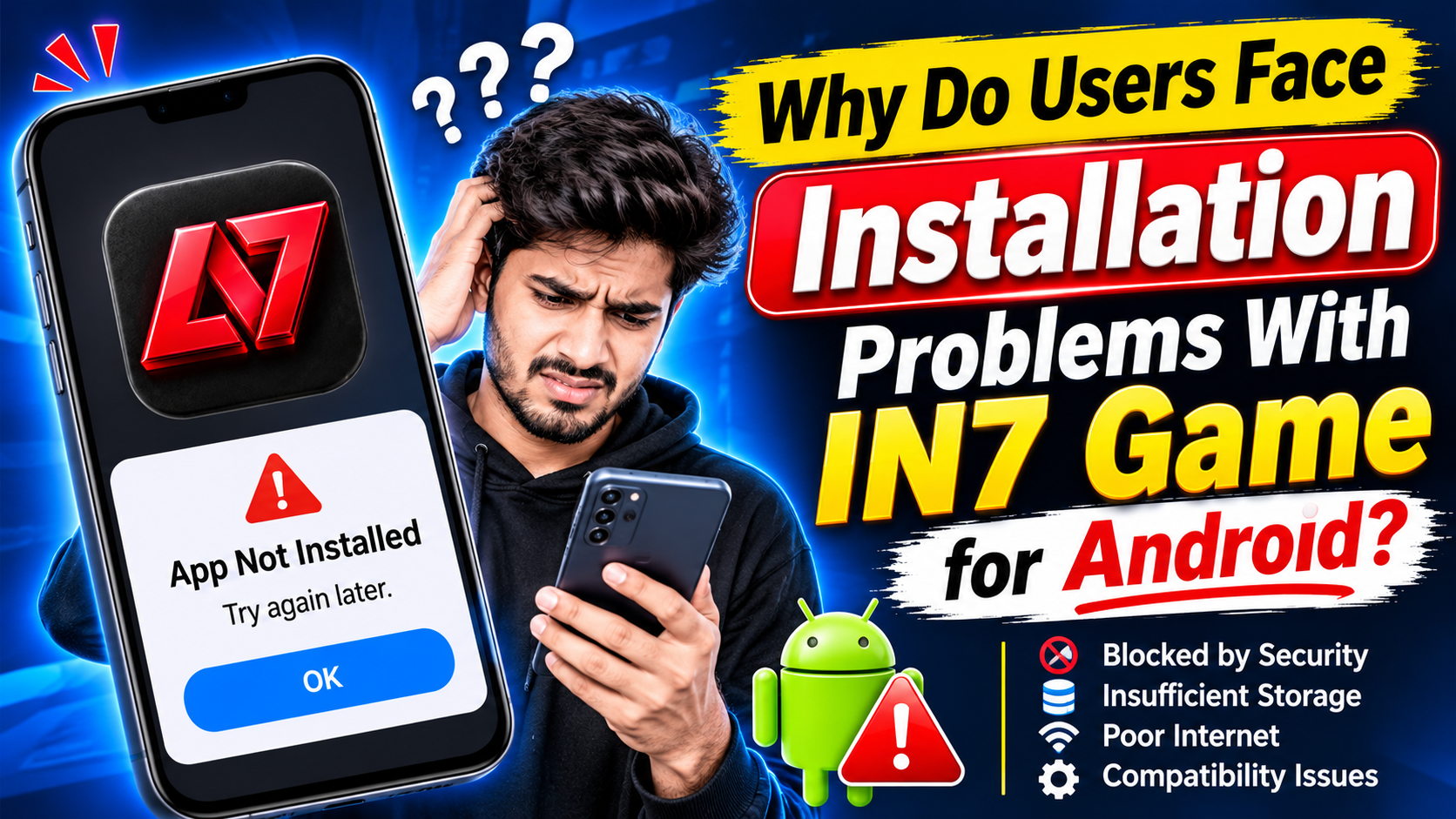
A lot of users have encountered errors while installing IN7 Game for Android. It is designed to make setup clear and easy on any phone by outlining common causes, safe download checks, and simple fixes.
Despite its effectiveness, many users have trouble installing IN7 Game for Android on their Android devices. The problem is usually with small settings, damaged files, or low space. Each cause is described in a simple manner.
Details of the app are available on the IN7 Apks website at https://in7apks.com/. When installing on your phone, always verify the source before installing it.
Why is IN7 Game for Android Uninstallable?
In most cases, there are only basic phone problems that result in most installation errors. When you know what it is, you can solve the problem quicker and get rid of the same error on your cellphone.
The app file is not the same as apps from the Play Store. Android automatically denies access to unknown files. The first reason that many installs fail is that block.
Other factors are also very prevalent with new users. A few users receive a corrupted file. Others have an old version of Android. During setup, some phones run out of space.
What Phone settings prevent you from setting up IN7?
Small settings determine whether a file is allowed to install. This is to ensure that they are set before tapping the file, or the process will be terminated prematurely by a single incorrect setting.
Before setting up, verify these settings on your phone. They only take a minute each to change. Many common errors can be prevented by fixing them first.
- Allow installs from unknown sources for your browser.
- Maintain a minimum of 500 MB of free space on your cell phone.
- Use the Battery Saver setting when setting up the phone.
- Update Android to a new version.
- Disconnect from any VPN during installation of the file.
So what are the 5 steps to install IN7 Game for Android?
An explicit sequence reduces errors. Do each step one at a time, and don’t skip any step, even if the setup seems easy for you.
- Only download from known and trusted sources.
- Tap Install when prompted in the file.
- Grant access to your phone’s permissions.
- Wait until the setup bar is finished and don’t close the screen.
- Click on the app to test it.
Pre-downloading Real Images for IN7 App: Why is it necessary?
The actual screenshots demonstrate the app’s appearance. They also aid you in identifying fake pages and copied files before you waste time on a download.
Commonly, fake pages are created with stolen pictures. Real pictures can be used to match the screen, logo, and layout. When there is a mismatch, it is a clear warning.
Carefully consider the images on the page. IN7 App Real Images should be clean and resemble the App name. Rare words or characters, or blurriness, are indications of a problem.
- Check for clear images with no unusual markings.
- Ensure that the name and logo of the application match on each screen.
- Make sure that the file matches correctly.
- Don’t visit pages requiring payment for download.
What’s causing IN7 Game for Android Errors due to a Bad File?
You can’t beat a damaged or fake file as a leading cause of failed setups. Prevention is better than cure, which is why it is better to have small checks before you get into bigger problems.
Files can be broken during download if the network goes down. Half a file will not open, and Android will display a parse error. Download it again via a stable connection.
Another risk is that of fake copies. They can contain malicious or incorrect software versions. Please review the source information and IN7 App Real Images before you tap Install.
What Do Common Android Error Messages Mean?
All error messages have a clear cause. Read it slowly, match it up with the table below, and then apply the simple fix. If the message repeats, reboot your phone.
| Error message | Likely cause | Simple fix |
| App not installed | There is not enough room in the vehicle, or the copy is old. | In the Free space section, delete any old copies. |
| Parse error | Broken file | Download the file once more. |
| Install blocked | Setting is off | Allow unknown sources |
| Play Protect warning | Unknown source | Read the warning and then make your decision |
How to Solve IN7 Game Android Issues Quickly?
The easiest repairs work for most IN7 Game for Android problems. Before asking for assistance, do the following sequence of steps and note each modification on your cell phone.
Start with the least complex move. Restart the phone and clear the browser’s cache. Then use it again with a new file and a stable network.
- Delete old or half-installed copies of the app.
- Clear up free space by uninstalling unwanted apps and photos.
- Be sure to use a stable WiFi connection.
- Reboot your phone and then reopen the file.
If the error persists, record the exact error message. Also record the model of your phone and the version of Android that you use. This information can aid the teams in better assisting you.
Conclusion
Some setup mistakes with IN7 Game for Android are quite common, but most are actually quite easily explained. In most cases, they are caused by settings, storage, or bad files. Careful steps help keep your phone and data safe.
Before the installation, a lot of users look for IN7 APK Latest Version and Download IN7 APK. Always choose a trusted source for IN7 App Download. Look at the file name and size.
After the application is executed, users can try IN7 Game Play Online. Some also update IN7 Game later on. Don’t share IN7 Game Login details and carefully read the IN7 Game Registration steps.
Need more help to start the app? Read our guides on IN7 Game APK Download, IN7 Game Update, IN7 Game Download, IN7 Game App Download, and IN7 App Latest Version for simple steps.
Frequently Asked Questions
Q1. Why does IN7 Game for Android not install on my phone?
Unknown source settings, low space, or a broken file often block setup. Fix these first, then install IN7 Game for Android again from a trusted source.
Q2. What does a parse error mean?
It usually means the file is broken or incomplete. Delete it, then download IN7 Game for Android again on a steady network and try once more.
Q3. How much space does the app need?
Space needs change with each version. Keep at least 500 MB free, so IN7 Game for Android can install and run without trouble.
Q4. Are IN7 App Real Images useful before downloading?
Yes. They help you match logos, screens, and layout, and they help you spot fake pages before you install the file on your phone.
Q5. Is it safe to turn on unknown sources?
Turn it on only for a file you trust. Switch it off again after IN7 Game for Android is installed to keep your phone safer.
Disclaimer: IN7 Apks is not responsible for the accuracy of this content. Results and file safety may vary by phone and source. Check files yourself, use apps at your own risk, and follow local laws.
People often search for IN7 Game, IN7 Game Real Images, IN7 APK, IN7 Game Official Website, IN7 Game Online, and IN7 Game Play Online.
Others look for IN7 Game Download, IN7 Download, IN7 Game Latest Version, IN7 Game Install, and Download IN7 Game. Some also search for the IN7 Game App.
Related searches also include IN7 App Download, IN7 App Download APK, IN7 Game App Download, and Download IN7 App. Many users also check the IN7 Game APK and IN7 Game Download APK pages.
You may also see IN7 APK Download, IN7 APK Latest Version, Download IN7 APK, and IN7 Game APK Download. After setup, many people use IN7 Game Login and complete IN7 Game Registration.