
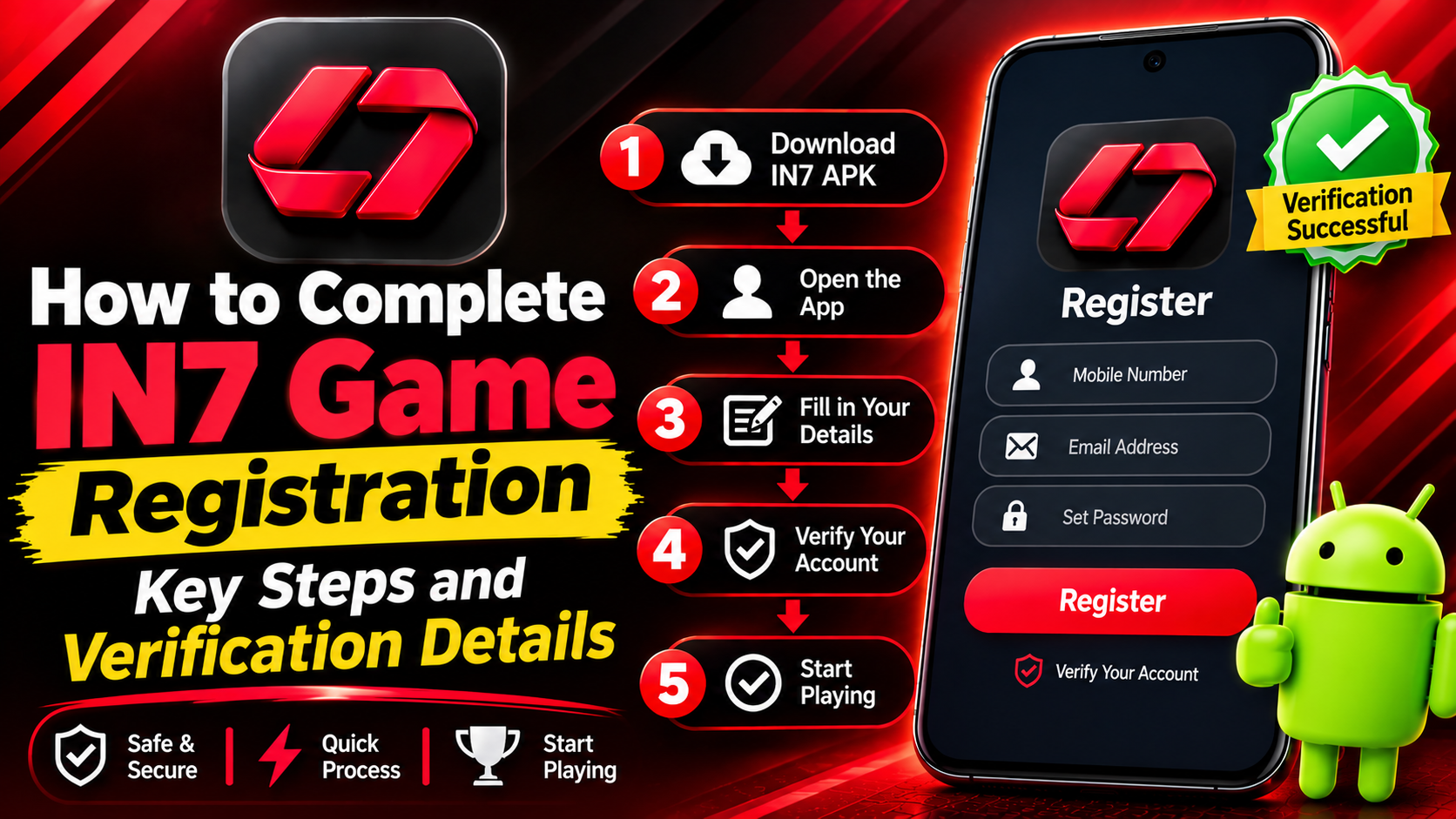
IN7 Game Registration is easy if you follow these instructions properly. The article is about the registration process, necessary information, verification procedure, security advice, and frequently made mistakes, explained simply.
IN7 Game Registration is quick to complete if you have all of your information available. The instructions are written simply for you to understand them better. Also includes checklists, safety guidelines, and common mistakes.
A lot of people hurry to fill out a form and make minor errors. Going slowly is better than rushing to save time later. Read this guide once, then follow each step on your phone.
What Is IN7 Game Registration and Why Does It Matter?
Your account is a key for playing games. Your name, contact information, and progress are stored here. You can’t save anything without it, and you also won’t be able to get back later.
The IN7 registration process allows users to identify themselves while using this application. It helps to keep them apart from each other and reduces the chances of confusion. This is an essential part of it.
IN7 Apks provides such a guide for beginners so that they can begin on the right foot. Read each step slowly. The latest page is at in7apks.com.
How Do You Finish IN7 Game Sign Up in 6 Steps?
- Tap on ‘Sign Up’ from this website’s homepage.
- Enter your phone number or email address.
- Create a strong password for yourself.
- Name of person to be added here and any other requested information.
- Input this code for verification of an account.
- Accept these terms and file an application for submission.
IN7 Game Sign Up is easy for most people to use. Wait a moment before trying it again if you fail at that step. Don’t press it too much.
What Details Do You Need for IN7 Registration?
Having your details ready makes IN7 Registration smooth. Use real information only, because wrong details can cause problems later. Check spelling twice before you move ahead.
- A working mobile number or email address
- A strong password with letters and numbers
- Your correct name as per your ID
- A phone with a steady internet link
- Proof that you are of legal age
How Does IN7 Game Registration Verification Work?
Once you have submitted this form, an application will send it to us. Type this into a box. It shows that this is your own number or email address.
Some accounts might require additional verification, like an identity document. Get assistance from this site only via an official website. Never give away your code to others or their passwords.
| Detail | Why It Is Checked |
| Mobile number or email | To send your code |
| Password | To protect your account |
| Name | To match your profile |
| ID proof, if asked | To confirm who you are |
Type the code as soon as it arrives. Most codes work for a short time only. If it expires, you can ask for a fresh one.
Which Mistakes Can Stop Your IN7 Game Registration?
Many people face trouble because of simple slips. A typing error in your number can block the code. Read your entries again before you tap submit.
- Wrong mobile number or email address.
- Weak internet connection during the code step.
- Expired code used after a long wait.
- A password that is too short.
- Using a fake name or old details.
| Problem | Quick Fix |
| Code not received | Check signal, then request again |
| Wrong number typed | Go back and correct it |
| Weak password | Add letters and numbers |
| Expired code | Ask for a new one |
How Can You Keep Your New Account Safe?
Safety starts as soon as IN7 Game Registration ends. Good habits protect your money, data, and time. Follow the tips below every day. Small steps matter a lot.
- Use one strong password for this account only.
- Never share your code with anyone.
- Log out after you finish on shared phones.
- Use only the official page for links.
- Change your password if you feel unsure.
What Should You Do After IN7 Game Sign Up?
After IN7 Game Sign Up, you can use IN7 Game Login to enter your account. Type your number or email and your password. Check both fields before you tap.
Many users want to Download IN7 APK for their phone. Pick the file only from the official page. This keeps your phone and account safer.
The IN7 App Download needs some free space on your phone. You can also download IN7 Game files from the same page. Always check the file name first.
Many users enjoy IN7 Game Play Online after they sign in. Play only with money you can spare. For safe IN7 Game Play Online, take breaks and set limits.
Final Thoughts
Easy to complete IN7 Game Registration if you are careful and patient. Keep your information accurate, and complete the verification process for passwords. Proceed through them step by step so that your account is available for use.
A good beginning helps build trust. Only use the official website; no shortcuts allowed; do not share any secret code. If you feel stuck, take a break, review each step carefully before trying it again.
Need more help to start the app? Read our guides on IN7 Game APK Download, IN7 Game Update, IN7 Game Download, IN7 Game App Download, and IN7 App Latest Version for simple steps.
Frequently Asked Questions
1. What is IN7 Game Registration?
It is the process of creating your account in the app. IN7 Game Registration saves your details and progress.
2. How long does IN7 Game Sign Up take?
It usually takes a few minutes. Keep your details and phone ready to finish IN7 Game Sign Up faster.
3. What details are needed for IN7 Registration?
IN7 Registration needs a mobile number or email, a password, and your name. Some cases may ask for ID proof.
4. Why is my verification code not coming?
Check your number and signal first. Then wait a minute and ask for a new code for IN7 Game Registration.
5. Should I use my real name?
Yes, use your real name and details. Wrong data can block IN7 Game Registration or later checks.
6. Is it safe to share my code?
No. Never share your code or password with anyone, even after IN7 Game Registration is done.
7. Can I change my password later?
Most apps allow this in account settings. Check the app for exact steps after IN7 Registration.
8. Where should I get the app file?
Use the official page only. Avoid links from unknown chats, then complete IN7 Game Registration.
9. What if I forget my password?
Use the forgot password option on the login screen. Then follow the steps sent to your number or email.
10. Can I fix a wrong detail later?
Try the account or help section first. Contact official support if IN7 Game Registration details cannot be edited.
Disclaimer: The book is an overview of this topic. IN7 APKs is not an application rule manager. Visit the website to see the latest terms. Play only where it is legal, and you are of legal age.
People often search for IN7 Game, IN7 Game Real Images, IN7 APK, IN7 Game Official Website, IN7 Game Online, and IN7 Game Play Online.
Others look for IN7 Game Download, IN7 Download, IN7 Game Latest Version, IN7 Game Install, and Download IN7 Game. Some also search for the IN7 Game App.
Related searches also include IN7 App Download, IN7 App Download APK, IN7 Game App Download, and Download IN7 App. Many users also check the IN7 Game APK and IN7 Game Download APK pages.
You may also see IN7 APK Download, IN7 APK Latest Version, Download IN7 APK, and IN7 Game APK Download. After setup, many people use IN7 Game Login and complete IN7 Game Registration.